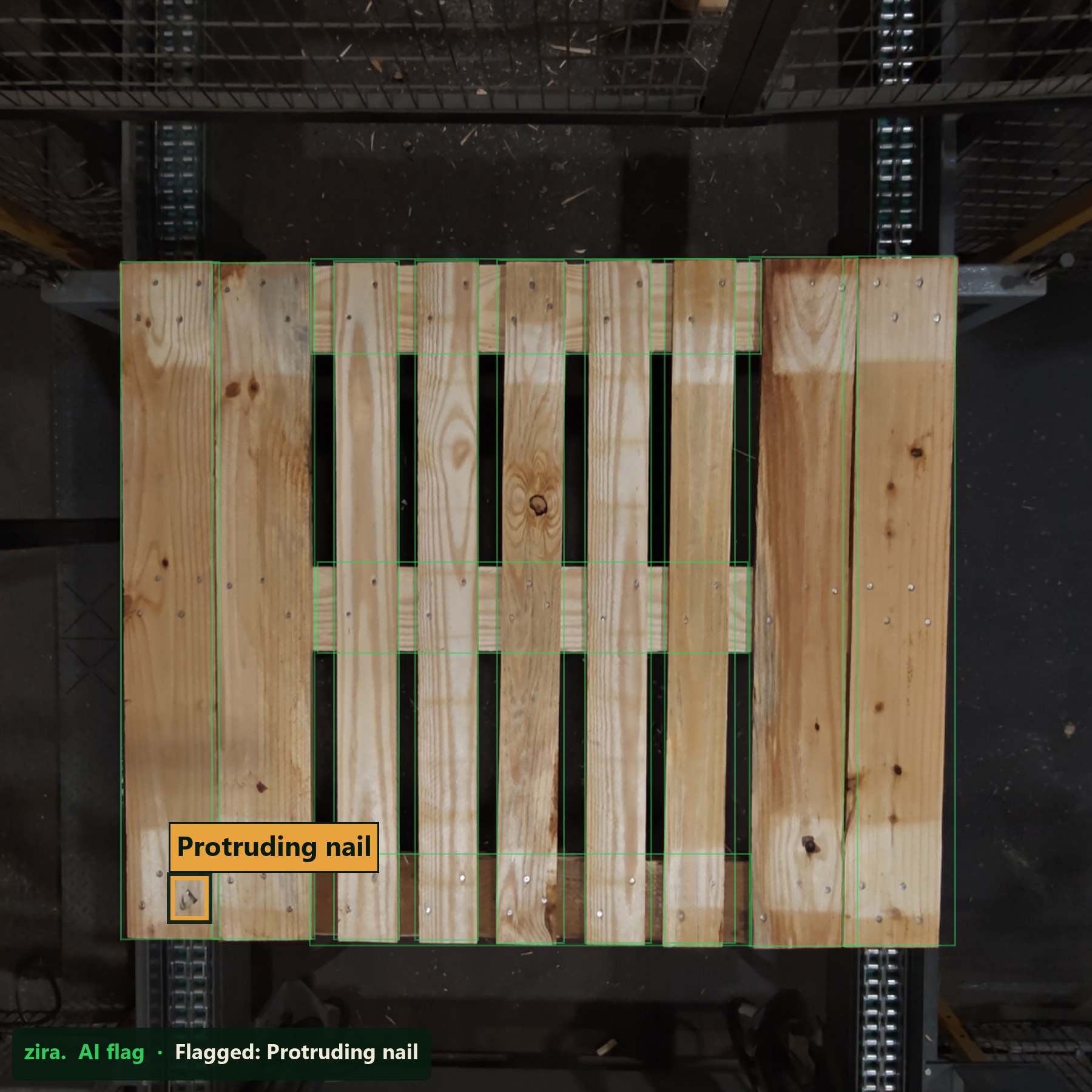
Flagged in this example
Raised or protruding nail
A visible nail is marked for review before products are loaded onto the pallet.
For companies that purchase and use pallets
Review visible pallet condition before products go on, and inspect the loaded pallet before it goes onto a truck. Photograph each loaded pallet from three or more sides and keep a tracked record for customer reviews, audits and chargeback disputes.
Start with your workflow. Confirm visual coverage and deployment requirements in the technical review.
The problem
Understand the pallets your team is about to use and the condition of loaded pallets before they leave. Start with the decisions your team needs to make and the records it needs to keep.
Two inspection stages
Purchased pallet condition and outbound load condition call for different inspection points. Review either stage or both.
STAGE 1
Review purchased pallet condition at receiving or before use against agreed visual criteria. Confirm the accessible views, pallet types and capture requirements before selecting the checks.
Define the condition record your team needs at that inspection point.
STAGE 2
Review configured visible pallet, load, wrap and label conditions before carrier handoff. Photograph each loaded pallet from three or more sides and keep a tracked photo record for later review.
A record documents condition at the inspection point. It does not establish who caused later damage.
Checks are set per deployment. Visible access, pallet and load formats, capture conditions and technical validation determine the agreed coverage.
What Zira flags
Zira supports inspection of block pallets and CHEP and PECO pallets, alongside the 48 × 40 inch examples shown here.
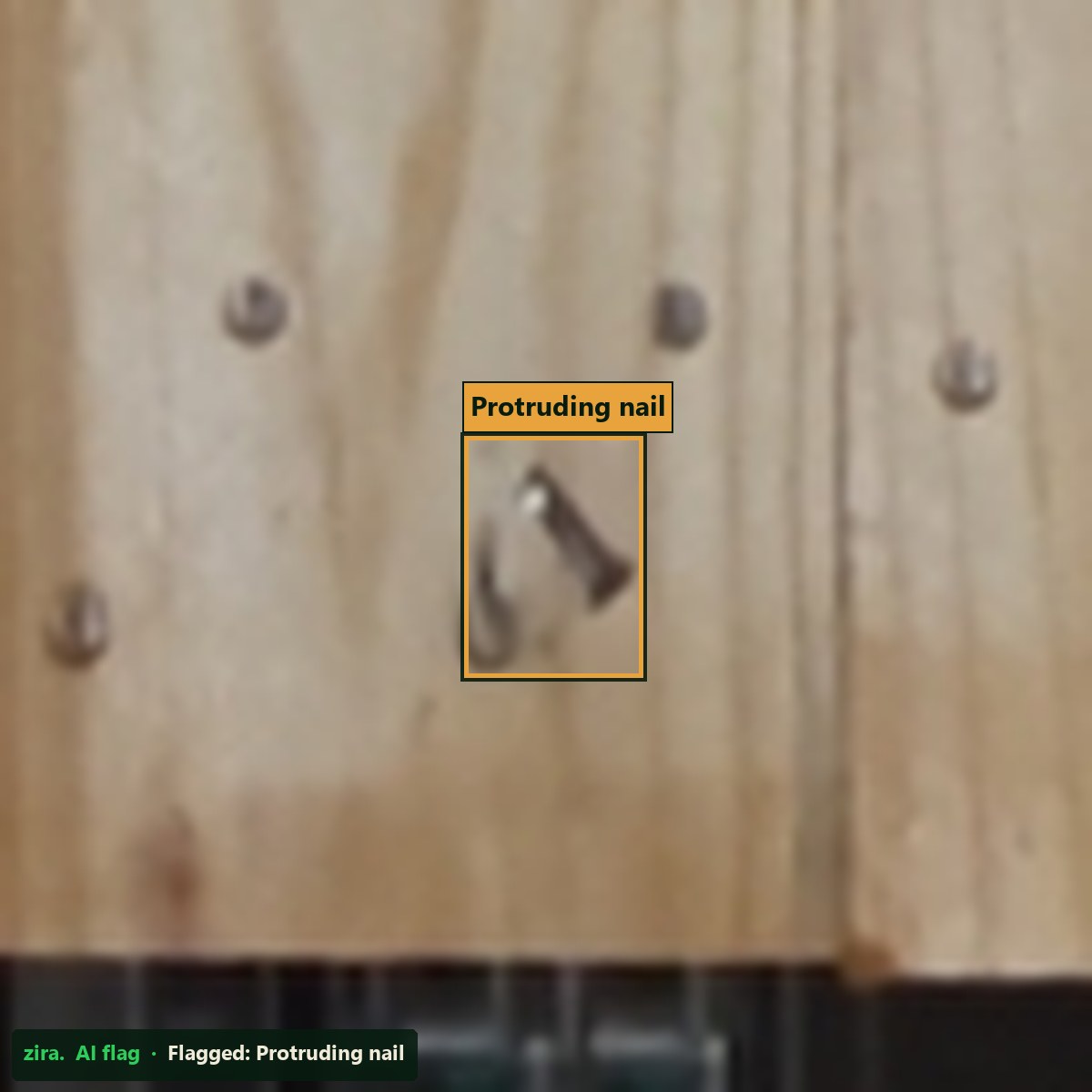
Flagged in this example
A visible nail is marked for review before products are loaded onto the pallet.
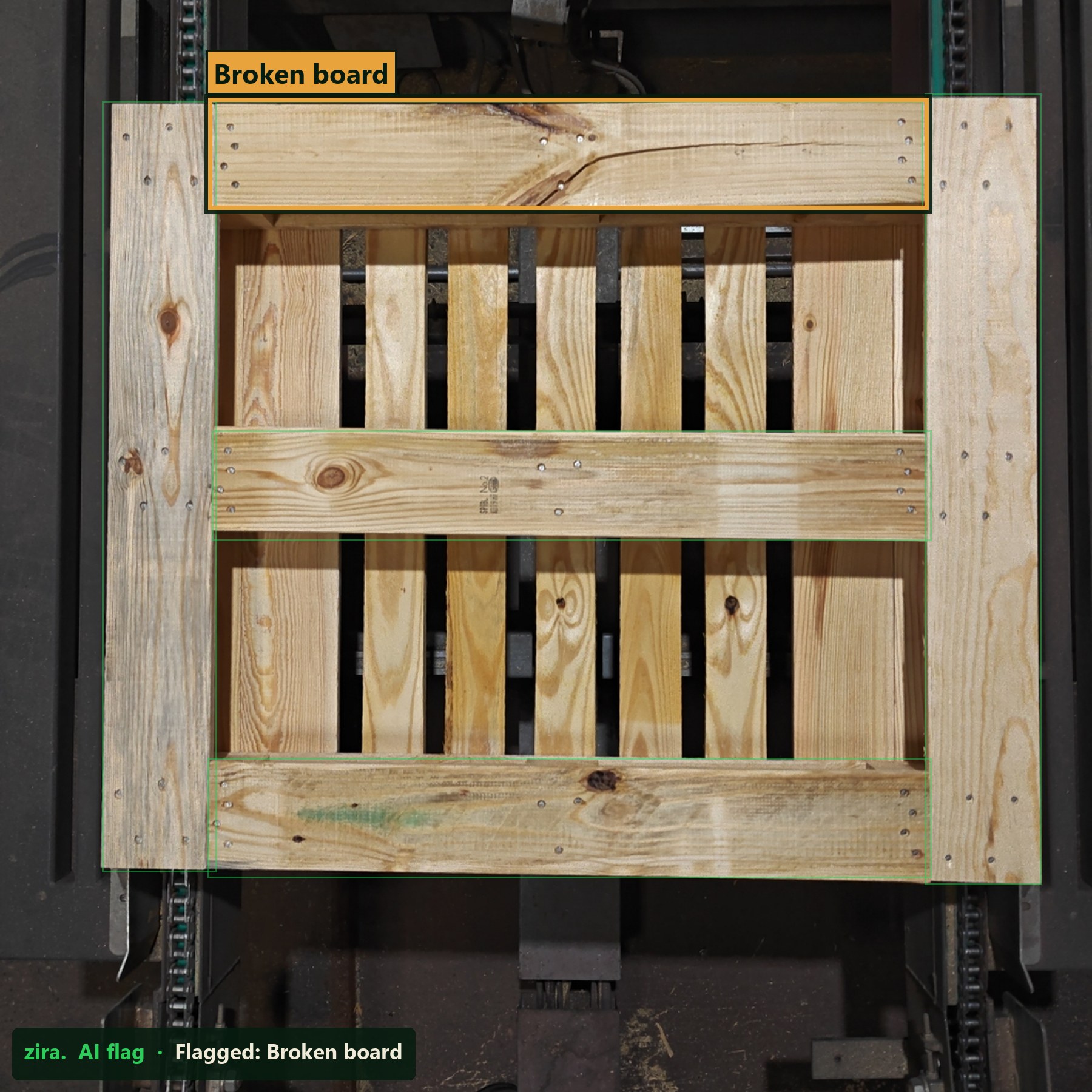
Flagged in this example
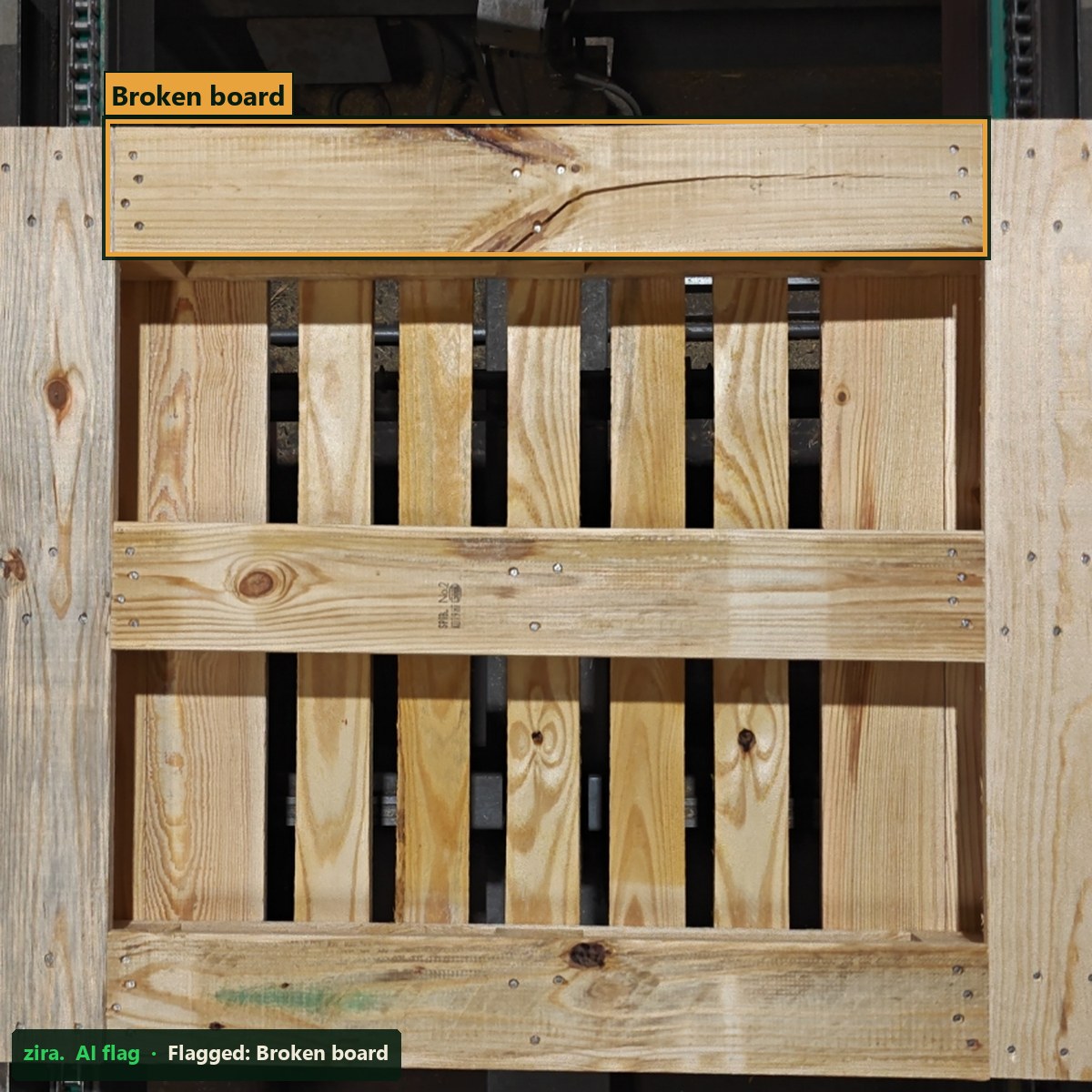
The marked lead board shows a visible crack. Review the condition before the pallet is used.
For your pallet workflow
The fit review confirms the visible checks, camera views and records for your specific pallet types.
Selected examples. Inspection coverage depends on pallet type, visible access, capture conditions and agreed checks. These images show inspection before products are loaded; loaded-pallet inspection is scoped separately.
Shipment evidence
At the configured capture point, every loaded pallet is photographed from three or more sides. Its photos are kept as a tracked record, ready to retrieve for a customer, an audit or a chargeback dispute.
01 · Capture
Record multiple views of every loaded pallet at the capture point.
02 · Keep
Keep the photos associated with that pallet for later review.
03 · Retrieve
Bring up the record for customer questions, audits, reviews and chargeback disputes.
Records document visible condition when captured. Access and retention are agreed for your deployment.
Request an inspection fit reviewHow it works
Inspection categories
The technical review confirms which checks can run for your pallet types, load formats and inspection points.
The 30 day diagnostic
For an agreed outbound lane, a 30-day diagnostic can measure visible exceptions and inspection-record coverage. Engineering, installation and validation have separately agreed scope and dates. The 30-day measurement window starts at the agreed acceptance point.
One facility and one agreed outbound lane. Any before-product inspection scope is reviewed separately. Agree the detectable conditions and measurement criteria before committing to the diagnostic.
Discuss an outbound diagnosticWhy this works
Define which visible conditions matter at each stage, how operators should handle exceptions and which records will support review.
Review the required coverage, operator response and record format before any broader commitment.
Questions
Yes. Tell us whether you need inspection before products go onto pallets, with products on pallets before truck loading, or both. The technical review confirms the feasible checks and setup for each stage.
It documents condition at the selected inspection point. It can support review, but it does not establish downstream custody or fault.
The measurement window starts at an agreed acceptance point. Engineering, installation and validation are scoped and scheduled separately.
Each loaded pallet at the configured capture point is photographed from three or more sides. The tracked photo record can be retrieved for customer reviews, audits and chargeback disputes. Access, record format and retention are agreed for your deployment.
Next step
Tell us which inspection stage matters, the visible conditions you need to check and the record your team needs. We will review the fit before proposing a deployment or diagnostic.
Choose either inspection stage or both. Deployment scope and timing follow the technical review.
Thank you. We will follow up to discuss your inspection needs and arrange a fit review.